What is Vulnerability Assessment? Definition, 7 Types, & Process
By the time you’ll read this paragraph, another hacker will be successful in attacking a system, website, or network. That’s sad, isn’t it? And the worst part is that cybercrimes are increasing because the cost of a data breach has decreased 9% in just the last year.
While the businesses aren’t ready for these cyberattacks and are heavily affected because of the evil goals of the internet’s morons, we want you to protect yourself. And the first step is vulnerability assessment of your applications, systems, networks and everything.
Never heard of it? No biggie. We’ll walk you through the vulnerability assessment process, types and everything you need to know. Shall we?
What is Vulnerability Assessment?
When your computer system or network has security loopholes and flaws, a hacker can easily break into your system and hijack crucial information of your business, institute, organization or agencies. It is a process of identifying those flaws so the cybersecurity experts can fix them ASAP!
An assessment typically involves scanning systems, checking software and hardware and reviewing network setups to make sure there isn’t a backdoor for the hackers. The purpose of vulnerability risk assessment is to protect your systems, websites and networks from cyberattacks.
How Cybersecurity Vulnerability Scans Are Performed?
If the right team, tools, and strategies aren’t being utilized for the vulnerability scan, it ain’t gonna work. Because there’s a high probability of the security loopholes not being resolved or interpreted during the assessment. Here are the 7 vulnerability assessment steps to do it right:
- Plan Assessment: Before starting the process, it’s crucial to know which components exactly need to be assessed. Plus, you have to go through the initial discovery of the assets to identify their user permissions, configuration, risk tolerance, and security capabilities.
- Scan Network: While scanning the network manually or using automated risk scanning tools, you should also use vulnerability databases and threat intelligence so that the false positives are filtered out initially in the process.
- Prioritize Vulnerabilities: You should identify and take care of the vulnerabilities that are already damaging the system or network, such as giving unwanted access to the network.
- Analyze the Results: After the vulnerability scan, you’ll probably have a large portion of unorganized data. It’s time to organize it into a presentable format.
- Create the Security Assessment Report: After you’re done scanning and assessing, you’ll create a detailed report covering every vulnerability with the issues and potential attack dangers within the network and their solutions.
- Remediation & Mitigation: After the in-depth review, data organization, and preparation of the report, you have to look for the most critical problems and solve them with actual patches. While the others need just mitigation techniques to protect from potential cyberattacks.
- Repeat: Assessing your system’s security flaws isn’t a one-time task that will protect your systems and networks from hackers. You have to keep doing it frequently so the vulnerabilities are covered before getting exploited.
Most Popular Vulnerability Assessment Types
Cybersecurity vulnerability assessments can be divided based on location, weakness, exploitability, stage, or impact. We’re going to talk about the most common & used vulnerability types below.
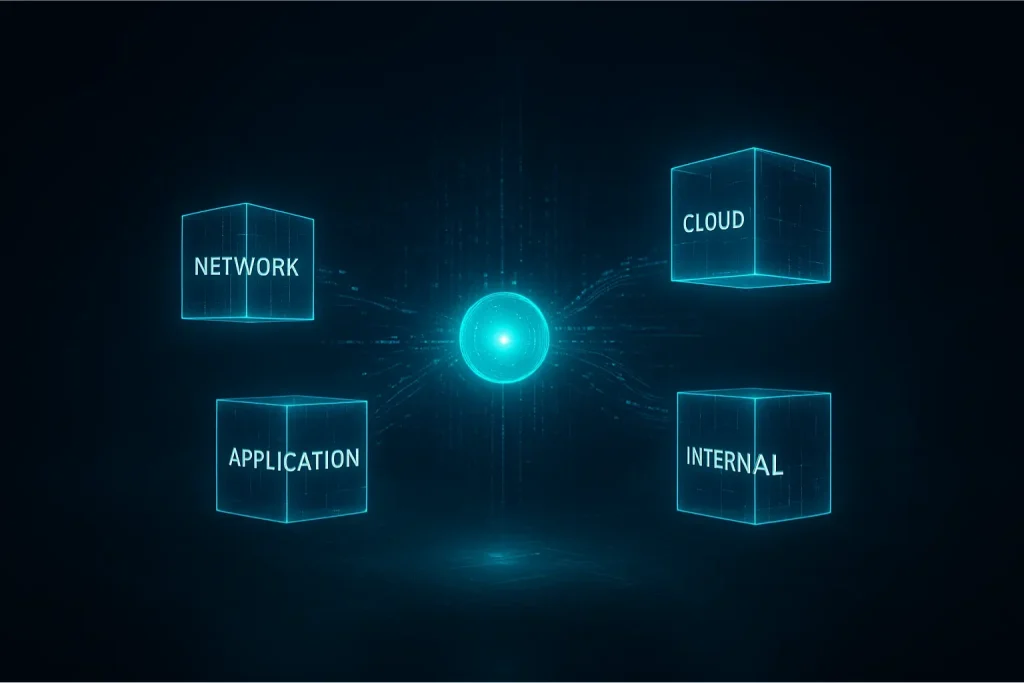
1. Network-based Scan
Network-based scans refer to a security assessment that covers the networked devices and infrastructure (often remotely), so the open ports, misconfiguration, outdated services, and exposed vulnerabilities can be found.
During the network vulnerability assessment, open management ports (RDP, SSH), old SMB/CIFS versions, exposed databases, credentials, and unpatched services are the typical vulnerabilities reported. The impact of these vulnerabilities is higher than you imagine because they can lead to compromise without local access. Here’s a quick checklist for a network-based scan:
- Map all IP ranges and subnets.
- Scan for open ports and services.
- Check service versions vs CVE data case.
- Validate firewall rules and segmentation.
2. Host-based Scan
A scan that runs on individual hosts, such as servers or workstations, and inspects OS configuration, installed software, local patches, file permissions, local services, and sometimes log analysis. The purpose of this scan is to identify any kind of security vulnerabilities in the hosts, such as missing patches, weak permissions, insecure configurations, etc.
In the host-based assessment, the common findings are missing OS patches, outdated libraries, world-writable files, weak sudo rules, stale accounts, and insecure enabled. Here’s a quick actionable checklist to fix the host vulnerabilities as soon & effectively as possible:
- Make sure the agents or credentials are available.
- Compare it with a hardening benchmark.
- Patch the critical updates immediately.
- Remove or harden unnecessary services.
3. Wireless Scan
Hackers can attack your network or IoT devices by connecting with wireless networks such as Wi-Fi, which is connected to every single device. It inspects for weak encryption, insecure SSIDs, misconfigured controllers, client leakage, rogue access points, etc.
If Wi-Fi is weak, it can add a physical proximity attack vector, which makes it unignorable if you want to protect your systems and networks. The hacker will be able to access the internal networks, move laterally, or even intercept traffic. Here’s the wireless scan checklist you can implement immediately:
- Check for default SSID names and credentials.
- Verify guest network isolation.
- Note down the SSIDs and encryption types.
- Identify and remove rogue APs.
4. Application-based Scan
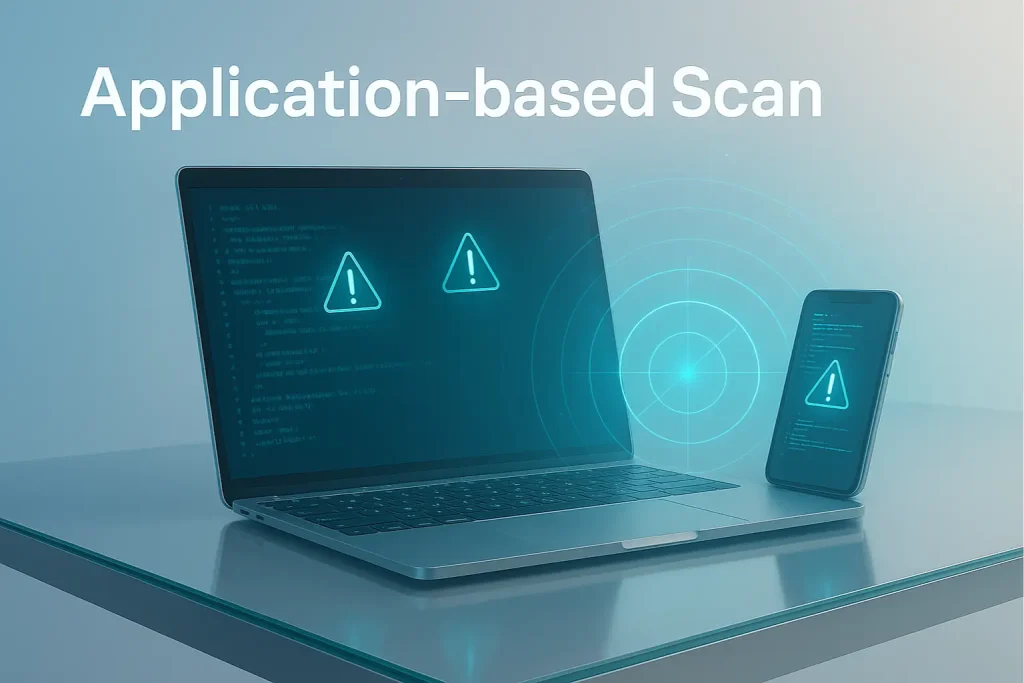
Application-based vulnerability scans are meant to analyze the web and software applications, which is vital. If a website is using outdated plugins, and the developer has focused on just features, not the security of the software, it makes it a piece of cake for hackers to achieve their evil goals.
During these scans, insecure direct object references (IDOR), SQL injection, sensitive data exposure, CSRF, and broken authentication are the key and common findings reported by the cybersecurity professionals. As a small business that believes in DIY, follow these quick action steps to handle application vulnerabilities:
- Run authenticated dynamic scans.
- Test all the input points, such as upload, form field, search bars, and headers.
- Confirm authorization of every sensitive endpoint.
- Include SAST in CI/CD pipelines.
5. Database Scan
This type of assessment majorly focuses on database servers and instances (SQL/NoSQL), such as configuration, access controls, encryption, exposed endpoints, and injection vulnerabilities at the DB level. A database scan is crucial because databases store sensitive data that misconfigurations can compromise.
Experts must spot issues such as weak DB user permissions, lack of encryption, default admin accounts, and unpatched DB engine vulnerabilities. For the database scan, follow this quick checklist:
- First of all, make sure all the DB ports are private (not public).
- Verify the encryption and logging.
- Review user roles and privileges.
- Check backups and snapshot security.
6. API Vulnerability Scan
Before integrating APIs into your systems, it’s a great step to test the security to find authorization issues, rate-limit problems, parameter tampering, and more. Testing it before integration isn’t compulsory yet highly recommended by the cybersecurity professionals. Because if your API is weak in any area, it becomes the biggest way for hackers to breach your app and even mobile clients.
To avoid the negative impact of insecure APIs, you must use strong authentication, enforce rate limits, and implement proper error handling & least privilege. Let’s walk you through the quick API scan checklist:
- Test the authentication and role separation.
- Make sure the rate limiting and throttling are enforced.
- Confirm every parameter and response data.
- Note down all the endpoints, including the undocumented ones.
7. Cloud-based Scan
82% of cloud-based breaches happen because of misconfiguration, so that’s the point you have to pay attention to the most when it comes to securing your cloud. Basically, cloud-based assessment is measured by the issues in cloud consoles, exposed storage buckets, insecure IAM policies, and insecure snapshots.
You won’t believe insecure clouds can lead to massive data leaks of your consumer base, personal information, and financial documents, which can be used to blackmail to defame you and your business. Here’s the quick checklist you have to follow to avoid such cyberattacks on your cloud:
- Audit the IAM roles and remove wildcard permissions.
- Analyze the public storage and spot exposed endpoints.
- Scan the container images and laC templates.
- Execute the logging and encryption.
Vulnerability Assessments and Penetration Testing: Which Is Better?
You might not be ready to hear this, but you need both. Yeah, you heard it right. Because vulnerability scan refers to finding the loopholes, and penetration testing shows what can happen if they’re exploited by a hacker.
Despite that, here’s the detailed table of pen test vs vulnerability assessment for you to understand it on a deeper level.
| Category | Vulnerability Assessment | Penetration Testing |
|---|---|---|
| Purpose | To identify and prioritize security weaknesses across systems. | To exploit the vulnerabilities with tools so that the impact can be measured in case of breaches. |
| Goal | Spot maximum vulnerabilities that can negatively impact the system or network. | See how far an attacker can go by exploiting them. |
| Approach | Automated scanning and reporting. | Manual, simulated attack using hacker techniques. |
| Nature of the test | Non-intrusive | Intrusive |
| Focus Area | All systems, apps, and devices | Deeper to target specific systems and applications. |
| Cost | Less than a streaming platform subscription | Higher than a brand new laptop |
| Manual Effort | Little to no manual effort | Requires human expertise |
| Time Duration | Varies from a few hours to days | Varies from a few days to weeks |
| Frequency | Monthly or quarterly | Yearly or after major updates |
| Typical Users | Compliance audits, IT teams, SMBs | Government bodies, high-risk sectors, and enterprises |
| Risk Level | Usually doesn’t disrupt operations | Might cause temporary disruptions |
| Key Benefit | Helps you see through all the potential weaknesses | Shows real-world attack resistance and response readiness. |
| Typical Follow-up | Apply patches, fix misconfiguration, and re-scan. | Fix the flaws, strengthen defense, and re-test. |
Frequently Asked Questions (FAQs)
What are the 5 steps of vulnerability management?
The journey of the cyber security assessment starts from asset discovery, identifying the flaws, risk assessment, remediation (fixing the issues), then reporting the issues, and not leaving the continuous monitoring.
How long does it take to get a vulnerability assessment report?
Well, that depends on the scope, complexity, and resources available for the process. Typically, it takes about 1-2 days for small networks, a week for medium-sized organizations, and 1-3 weeks for complex environments or large enterprises.
What is the best vulnerability assessment framework?
There isn’t just one best when it comes to a framework for vulnerability scanning. However, NIST SP 800-53 / SP 800-115, and OWASP Vulnerability Assessment Methodology (VAM) are the most recommended and used frameworks.
What is an example of vulnerability assessment methodology?
A typical vulnerability scan methodology will be: planning & scope definition → asset discovery → vulnerability scanning → analysis & risk prioritization → reporting & recommendations → follow-up.
Which are the most used vulnerability assessment tools?
The tools that are used by cybersecurity and IT experts include Nessus, OpenVAS, Qualys, Rapid7 Nexpose, Burp Suite, and OpenSCAP. All of these are slightly different from each other but are designed for the same purpose; vulnerability scanning.
That’s A Wrap, People!
Every time you take a vulnerability assessment of your organization, agency, institute, or business operations, you’re becoming more hard-to-catch for hackers. That’s what a vulnerability scan can do for you and your business.
While we’ve already covered the major details in this guide about security vulnerability scanning, if you have any kind of confusion or want a trustworthy team to handle it for you, the team is always on the grind. Throw your questions at us, and we’ll take them as just another puzzle to solve.